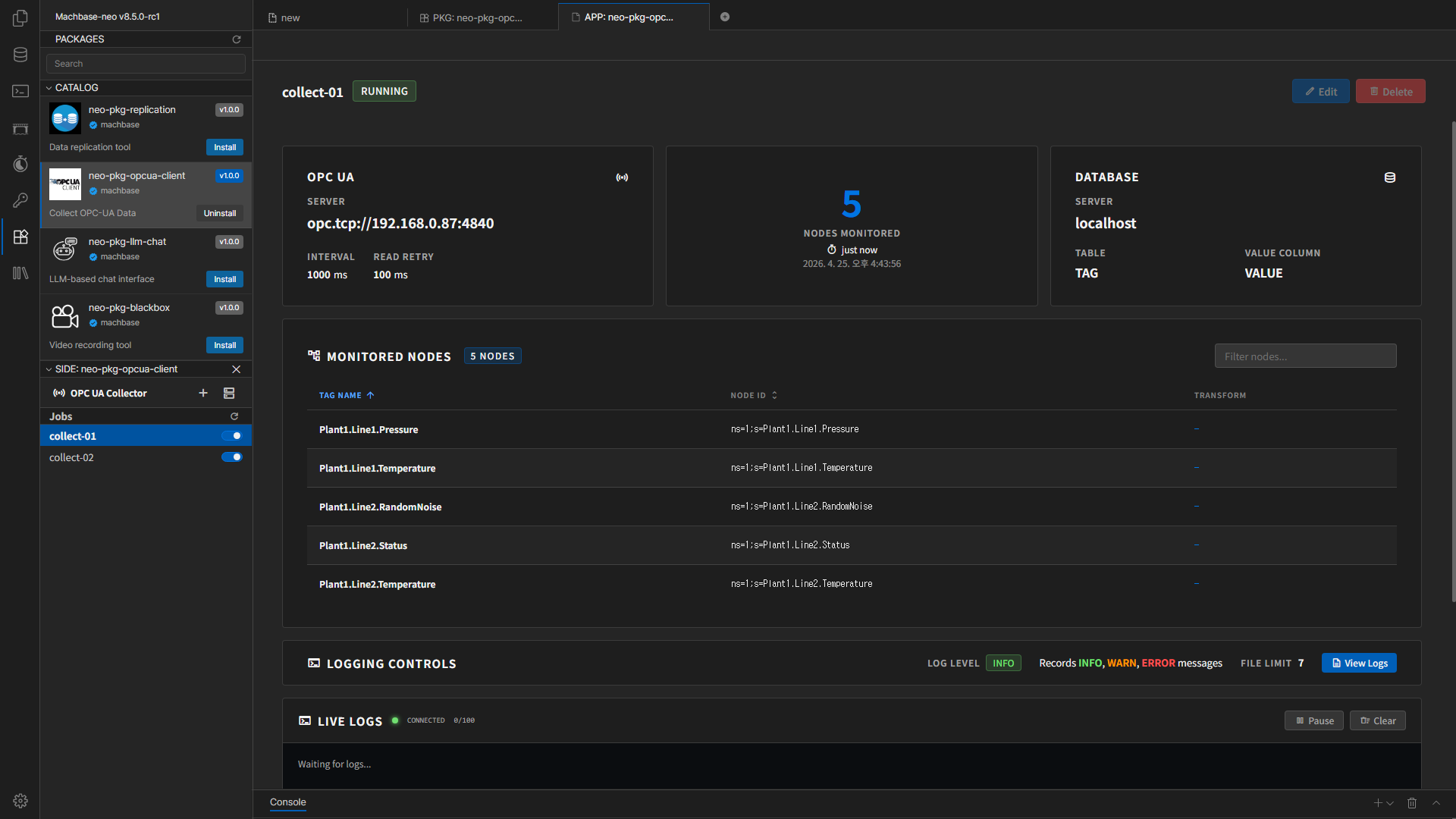
OPC UA Client User Manual
This document explains how to install the Machbase Neo OPC UA Client package, register a Database Server, create jobs, check status, and review logs.
Installation
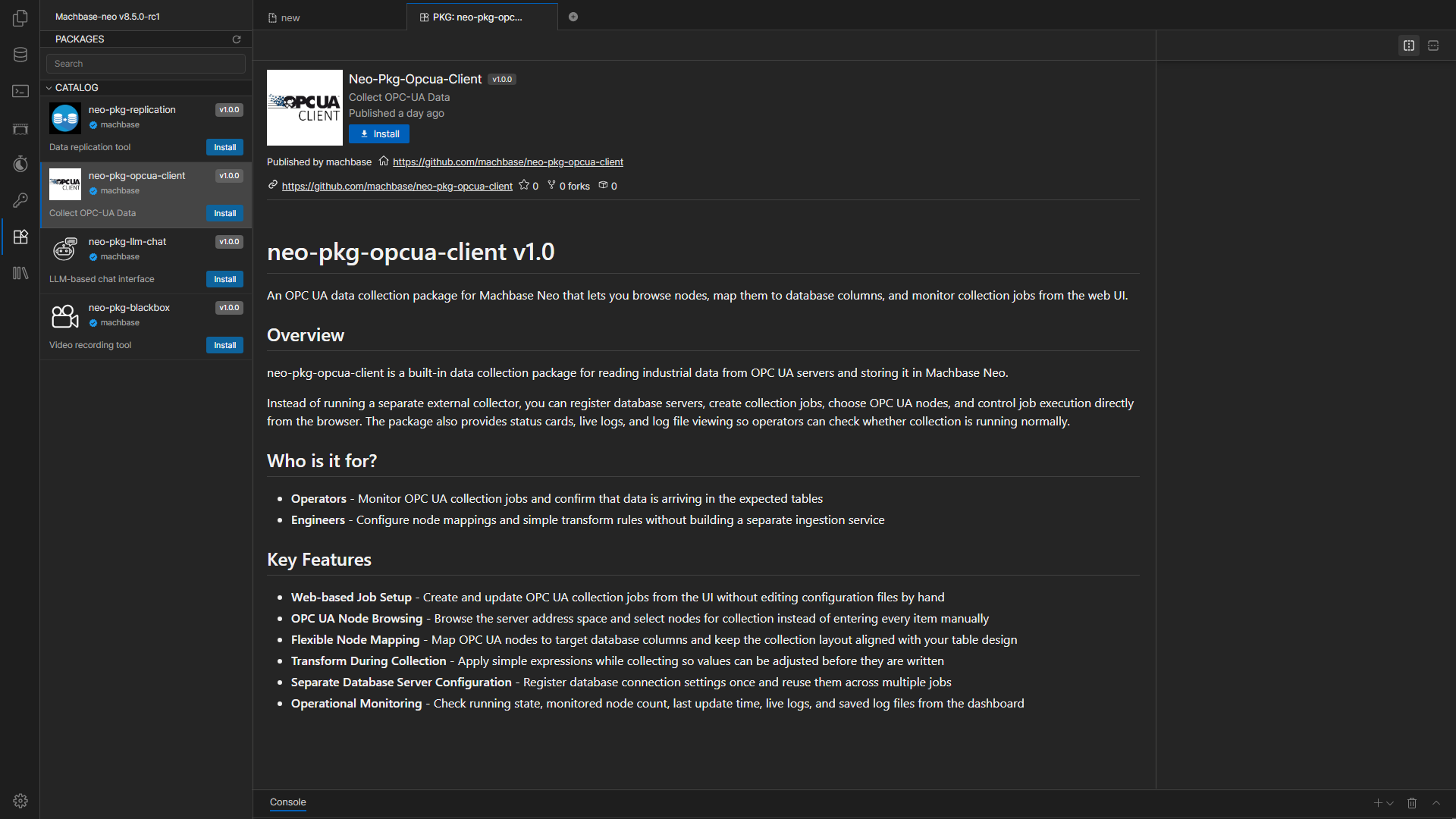
The left sidebar in Machbase Neo shows the list of available packages.
Select the OPC UA Client package and click the Install button to install it.
Installation may take a short time, so wait until it is completed.
What This Manual Covers
- Package installation
- Database Server registration
- OPC UA collection job creation
- Node Mapping and Transform setup
- Job start/stop and status checks
- Log file review
Basic Workflow
- Install the OPC UA Client package in Neo.
- Register a Database Server.
- Create a new job.
- Select the OPC UA Endpoint and target database table.
- Map the nodes to collect.
- Start the job and check its status from the dashboard.
Screen Layout
- Left sidebar: job list, new job creation, and Server Settings
- Main area: selected job details or the create/edit form
- Modal windows: Database Server management and log viewing