Replication User Manual
This document explains how to install the Machbase Neo Replication package, configure servers, create replication jobs, check status, and review logs.
Installation
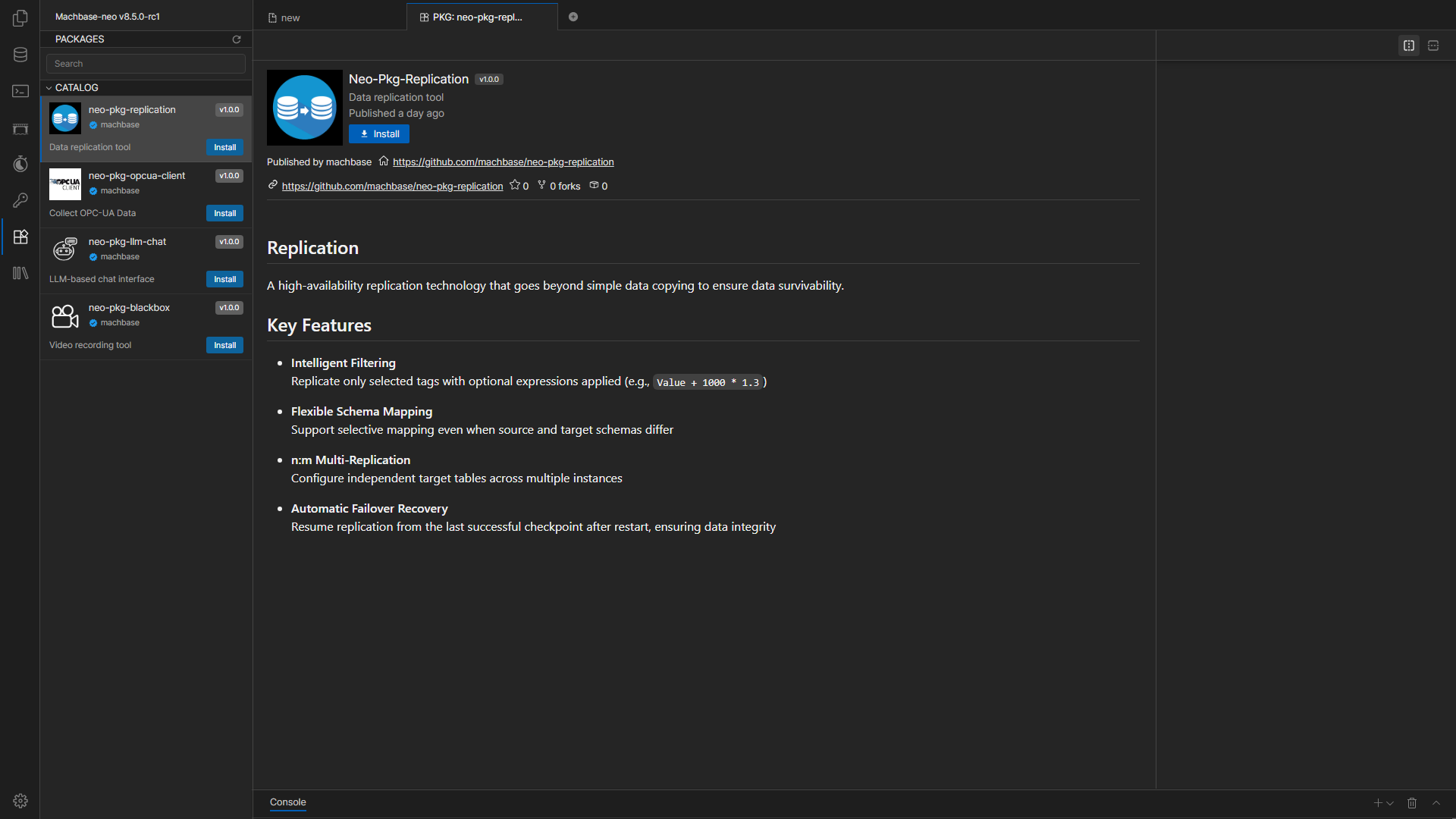
The left sidebar in Machbase Neo shows the list of available packages.
Select the Replication package and click the Install button to install it.
Installation may take a short time, so wait until it is completed.
What This Manual Covers
- Package installation
- Server registration and connection checks
- Replication job creation
- Job start, stop, and deletion
- Dashboard status checks
- Log file review
- Common warnings and basic troubleshooting
Basic Workflow
- Install the Replication package in Neo.
- Register the source and target servers.
- Create a new replication job.
- Check the job status from the dashboard after creation.
- If needed, review warnings and log files.
Screen Layout
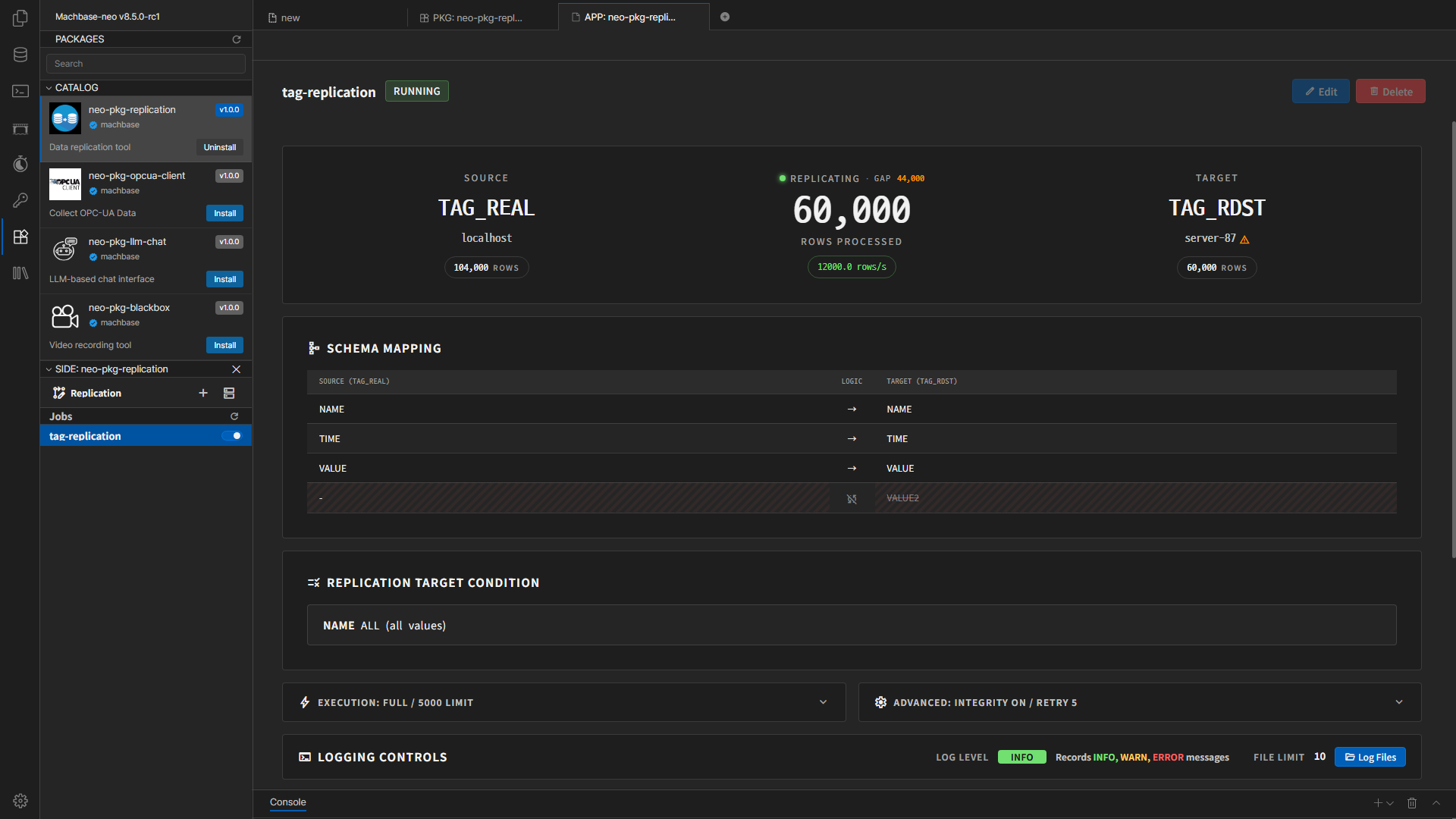
- Left sidebar: job list, new job creation, and Server Settings
- Main area: selected job details or the job create/edit form
- Modal windows: server add/edit, log file viewer, tag selection, and warning dialogs
Documents
Terms
| Term | Meaning |
|---|---|
| Server | Connection information for a Machbase or MQTT target |
| Job | One replication task unit |
| Source | The side data is read from. In most cases, native or http is used. |
| Target | The side data is written to. native, http, mqtt-api, and mqtt-publish are supported. |
| TAG / LOG | Machbase table types |